
Catch what matters to you in the media.
Follow broadcasts, find keyword matches and return to important moments. Turn media activity into a useful workspace for your team.
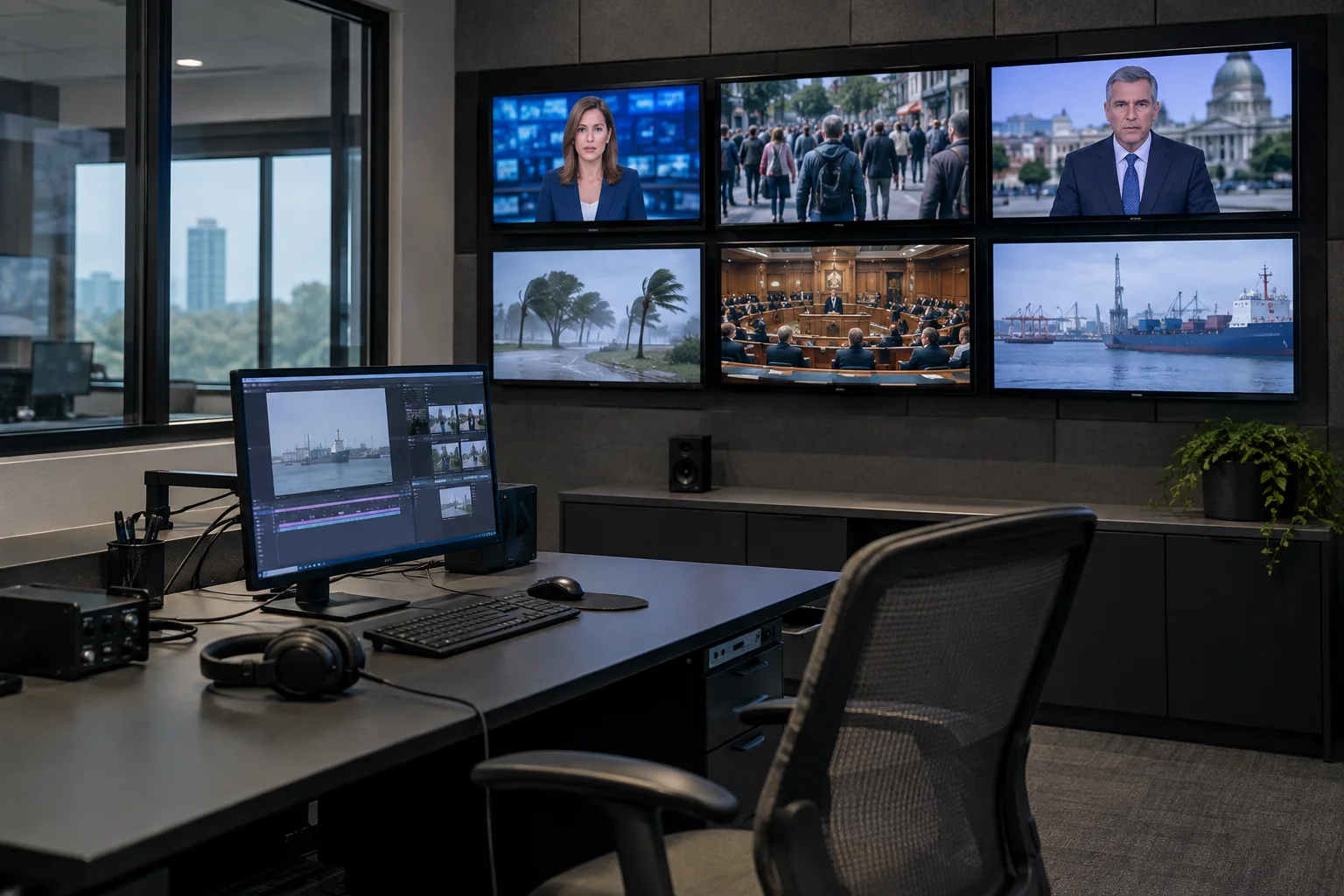
From broadcast to match. From match to clip.
Explore how a mention of your brand can be found and reviewed, step by step.
Follow the news from one workspace.
See the broadcast sources you follow together. Keep track of important moments as you move between channels.
 TV / 01
 TV / 02
 TV / 03TV / 04
Find the moment your keyword is mentioned.
Set keywords for your brand, organization or topic of interest. Review matches alongside their broadcast context.
“…video production and media monitoring with Ahenx…”
00:12 — 00:36Return to important conversations.
Keep broadcast excerpts together so you can review them, share them with your team and use them later.
- 01
Monitor
Define the sources to monitor and the keywords you care about.
- 02
Review
Review the matched moment in its broadcast context.
- 03
Archive
Keep important excerpts in the clip archive and share them with your team.
Find the exact speech you need right inside the stream.
Inspect matches related to your organization across monitored broadcasts; move key moments into clips and archive workflows.
Key moments, in one place.
- 01Monitor the broadcast
- 02Review the match
- 03Archive the relevant segment
Representative usage scenario. Visuals and flow are shown to illustrate product usage.
Fits the way you work.
Let’s consider your infrastructure, team size and integration needs together.
Let’s plan your deploymentMedia Monitoring Subscription Tiers
MTM Starter
Focused media tracking for SMEs and corporate PR teams.
- ✓ 1 Main Account, 5 Users
- ✓ Monitor 10 TV and 10 Radio Channels
- ✓ 25 Keyword Rules
- ✓ Instant Email and Webhook Notifications
- ✓ 30-Day Clip Archive
MTM Professional
Comprehensive coverage for news desks, PR agencies, and corporate communications.
- ✓ 1 Main Account, 15 Users
- ✓ 50 National TV and 30 Radio Channels
- ✓ 150 Keywords and Smart Alerts
- ✓ Automatic Speech-to-Text (STT)
- ✓ HD Video Clip Download and Sharing
MTM Enterprise / Custom
Custom dedicated infrastructure with unlimited sources for large enterprises.
- ✓ Unlimited Accounts and Users
- ✓ 200+ National and Local Channels
- ✓ Unlimited Keywords and AI Analysis
- ✓ Monitoring / Archiving on Your Own Server
- ✓ API / Webhook Integration and Custom SLA
Your questions, answered.
Let’s find the right starting point for your team.
Which sources can we monitor?
Coverage depends on the selected plan and deployment. Share the TV, radio and digital sources you need in your quote request.
How should we choose keywords?
You can start with brand and organization names, product names or topics you follow. We can plan the scope around your team’s needs.
Is on-premise deployment possible?
We discuss enterprise deployment alongside coverage, archive needs and your existing infrastructure. Share the details in the quote form.